 Diep Tran
55 lines
1.8 KiB
Markdown
55 lines
1.8 KiB
Markdown
# Summary
|
|
|
|
* [Related EPIC](#related-epic)
|
|
* [Definition](#definition)
|
|
* [Screenshots](#screenshots)
|
|
* [Misc](#misc)
|
|
|
|
## Related EPIC
|
|
|
|
https://github.com/linagora/tmail-flutter/issues/1638
|
|
|
|
## Definition
|
|
|
|
- Given that I am a Tmail user and I have logged in successfully
|
|
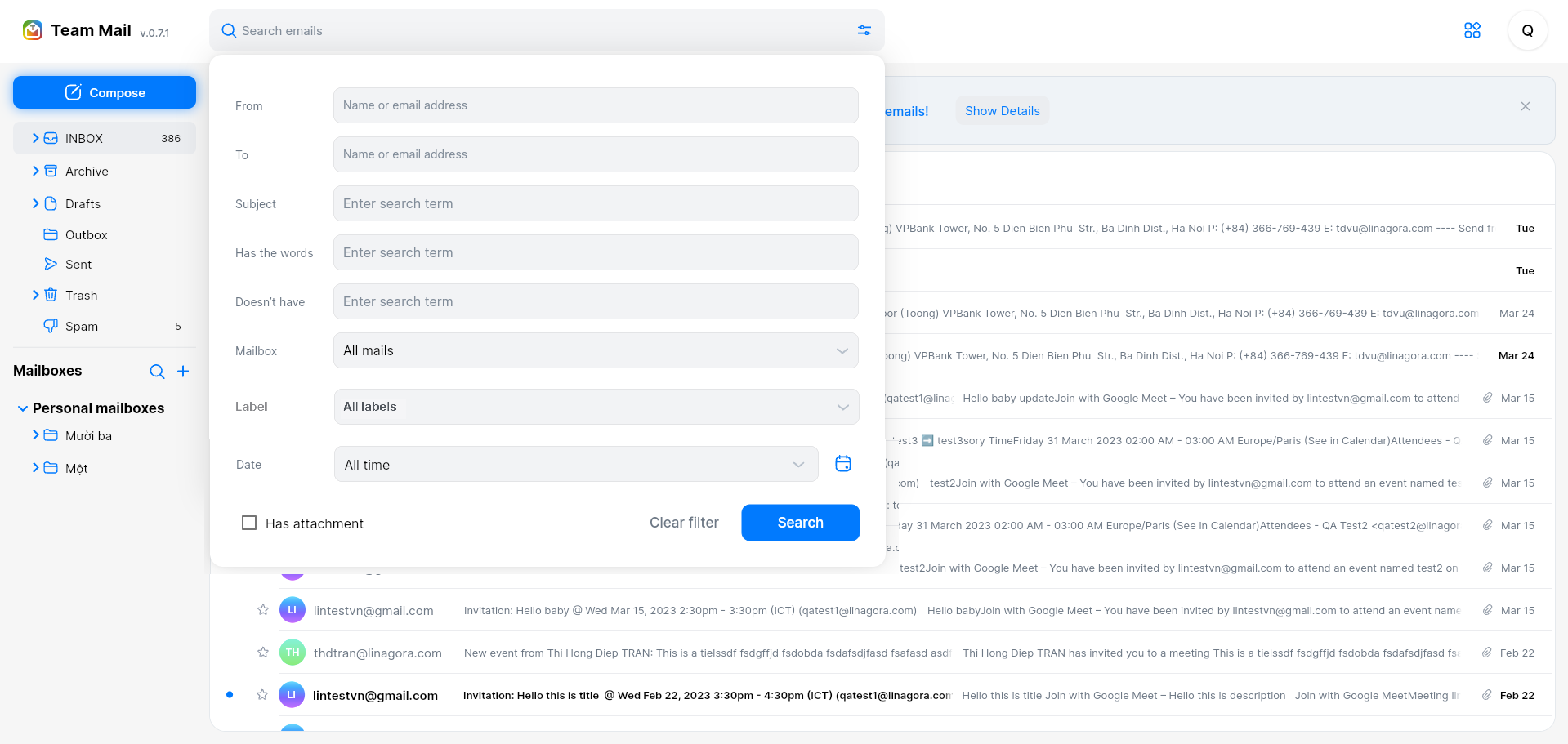
- I click on Search bar => select advanced option
|
|
- There will be a new search field: Label
|
|
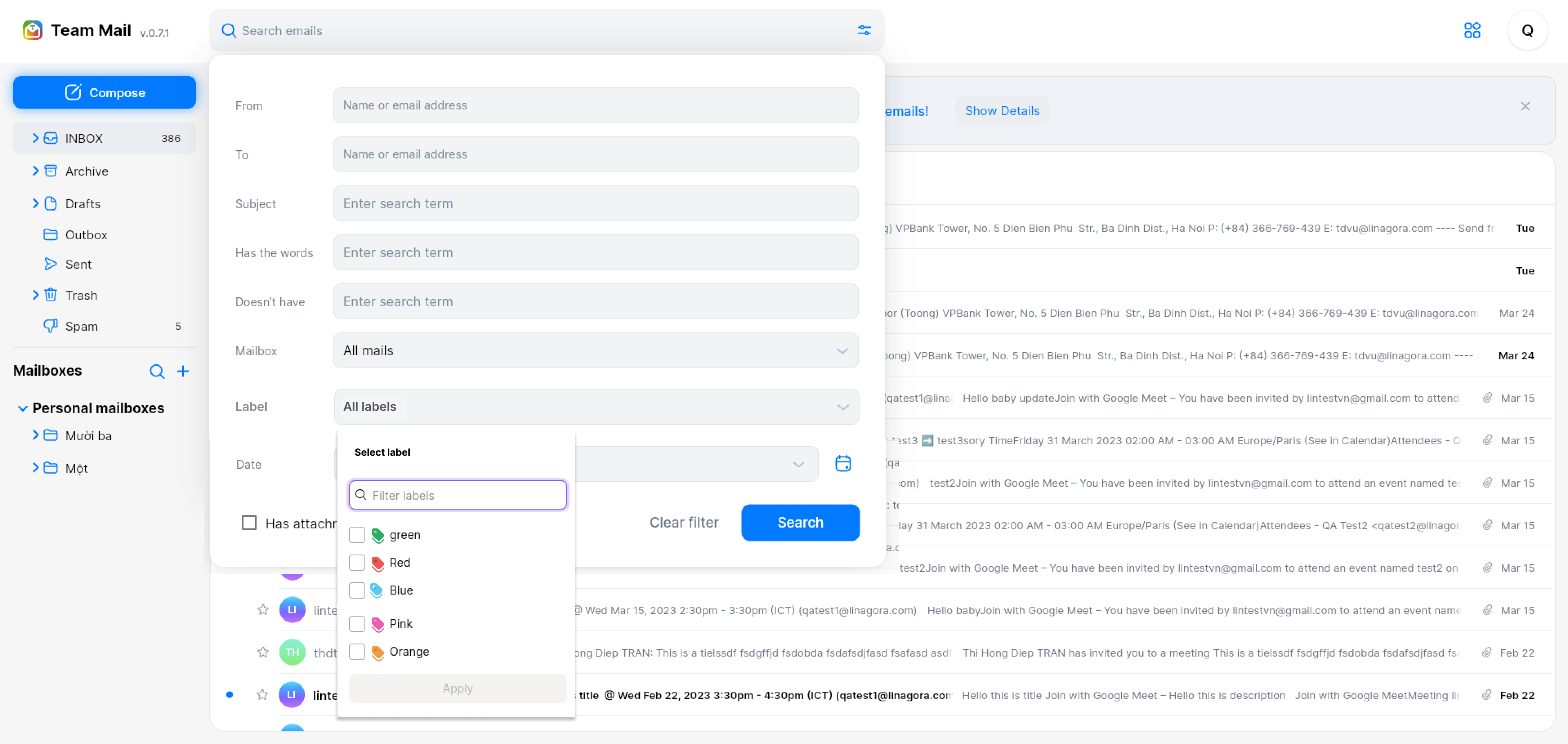
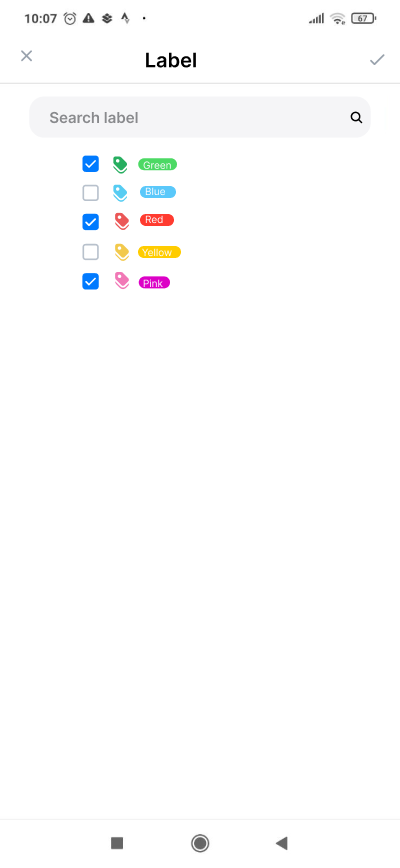
- When I select this field,a popup is displayed
|
|
- On this popup, I can see the list of all current labels
|
|
- I can select one label or multipe label then click button Apply
|
|
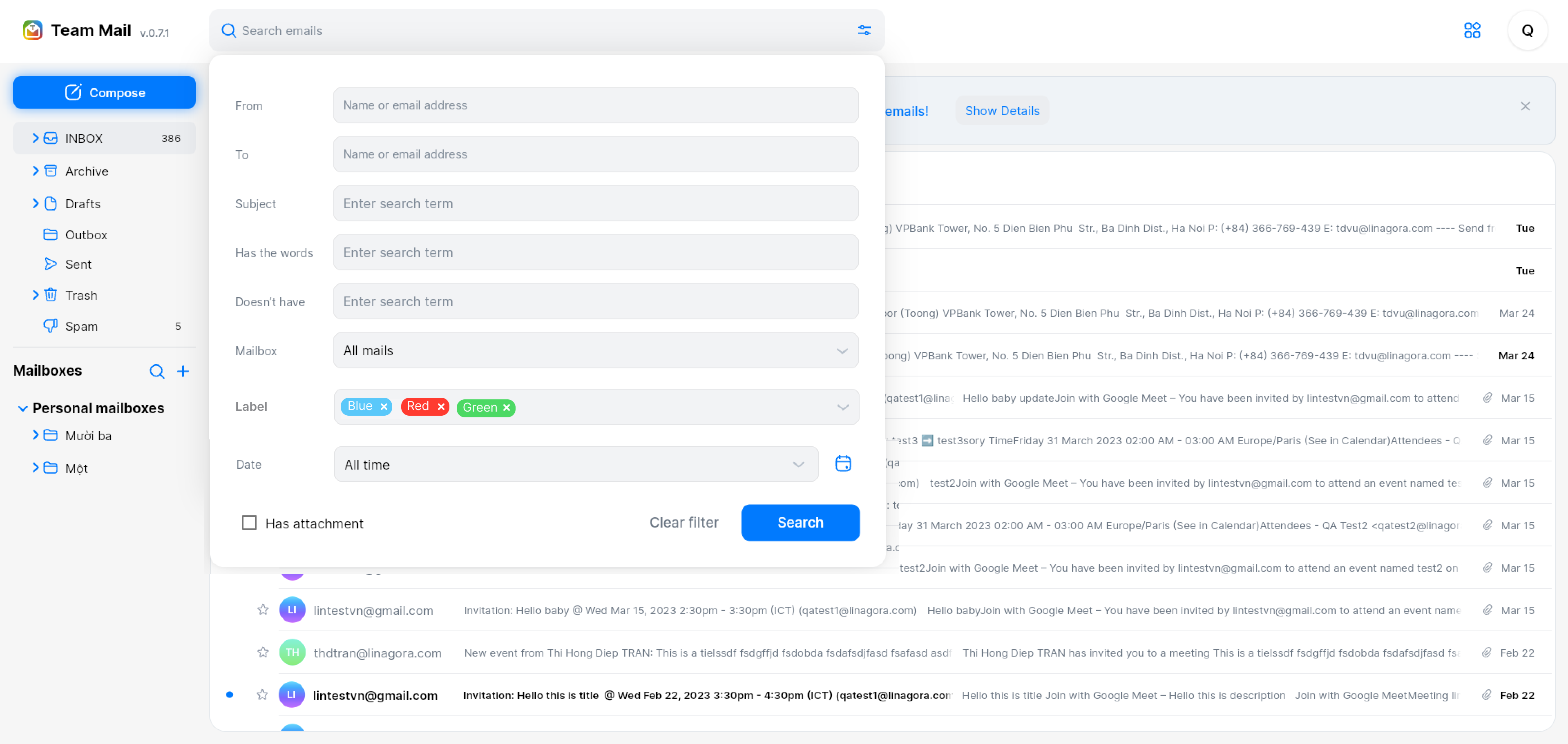
- The selected labels will be displayed as tags on the search field Label, and in each tag there will be a cross icon to remove tag
|
|
- When I click button Search, the system will search all the mails that contains matched labels.
|
|
- In case Search multiple labels, "and" operator will be applied
|
|
- For example: If I select 2 labels: A and B in field Lable, the system will search for all emails that have both Lable A and Label B
|
|
|
|
|
|
[Back to Summary](#summary)
|
|
|
|
## Screenshots
|
|
**Web verion**
|
|
|
|
|
|
|
|
|
|
|
|
|
|
|
|
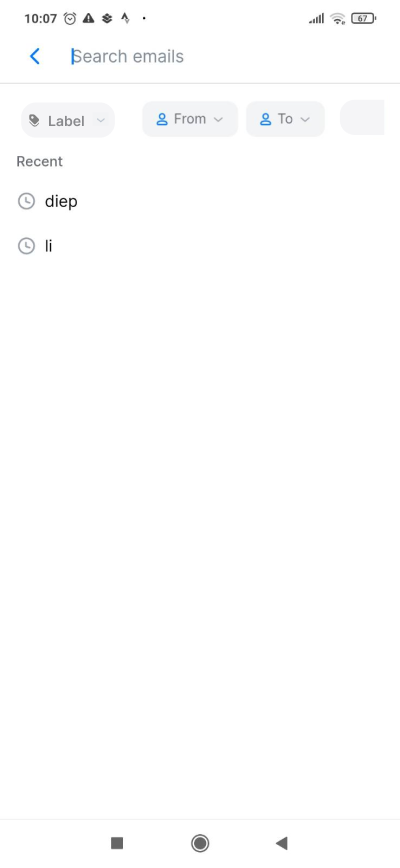
**Mobile version**
|
|
|
|
|
|
|
|
|
|
|
|

|
|
|
|
|
|
|
|
|
|
[Back to Summary](#summary)
|
|
|
|
## Misc
|
|
|
|
None
|
|
|
|
[Back to Summary](#summary)
|